

Policies
Updated
Policies connect users and agents (source groups) to AI providers, controlling which identities can reach which providers and models, with optional limits and guardrails.
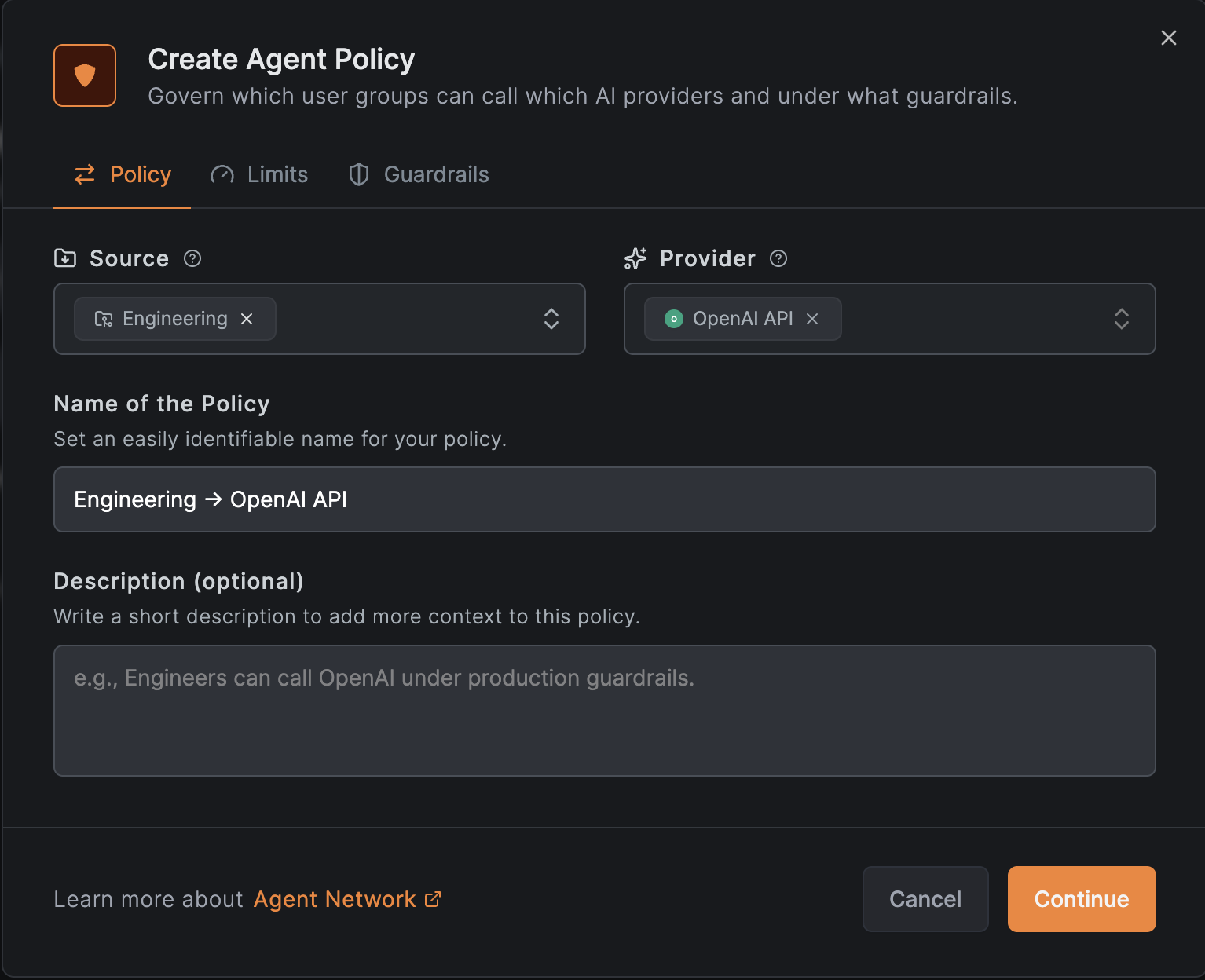
This page explains how to create and manage access to AI providers and gateways. If you are looking for a guide on how to manage access to internal resources. See Access Control.
How Policies Work
- Source groups: the users/agents the policy applies to.
- Destination providers: the providers the policy grants access to.
- Limits: optional per-user and per-group token and budget caps.
- Guardrails: optional model allowlist and prompt capture.
A request is allowed when a policy connects the caller's groups to the resolved provider and no applicable limit is exhausted.
Create a Policy
- Go to Agent Network → Policies and add a policy.
- Choose the source groups and destination providers.
- Optionally attach limits and guardrails.
Try it out by calling your Agent Network endpoint. The access log will show the policy in action:
curl -vk https://sailcloth.netbird.ai/v1/chat/completions \
  --header "Content-Type: application/json" \
  --data '{
    "model": "gpt-5.5",
    "messages": [
      {
        "role": "user",
        "content": "What is NetBird?"
      }
    ]
  }' | jq
