Clusters
Updated
A cluster is a set of reverse proxies that serve your Agent Network endpoint. Agents point at the endpoint hostname over the WireGuard tunnel; the proxy cluster terminates that traffic, enforces identity, policies, limits, and guardrails, and forwards each request to the upstream LLM API or gateway.
Clusters run on your own infrastructure, so agent traffic terminates on machines you operate — giving you control over the data path, geographic placement, and TLS. Add multiple proxies and clusters to scale the environment: spread load across more proxy instances, place them closer to your agents or upstreams, and keep the endpoint available if one goes down.
Agent Network clusters are the same mechanism as Reverse Proxy clusters, scoped to your account (account clusters). See Bring Your Own Proxy for the full cluster model.
Manage Clusters
Go to Agent Network → Configuration → Clusters to see every cluster serving your account, along with the number of connected proxies, online status, and the capabilities each proxy reports.
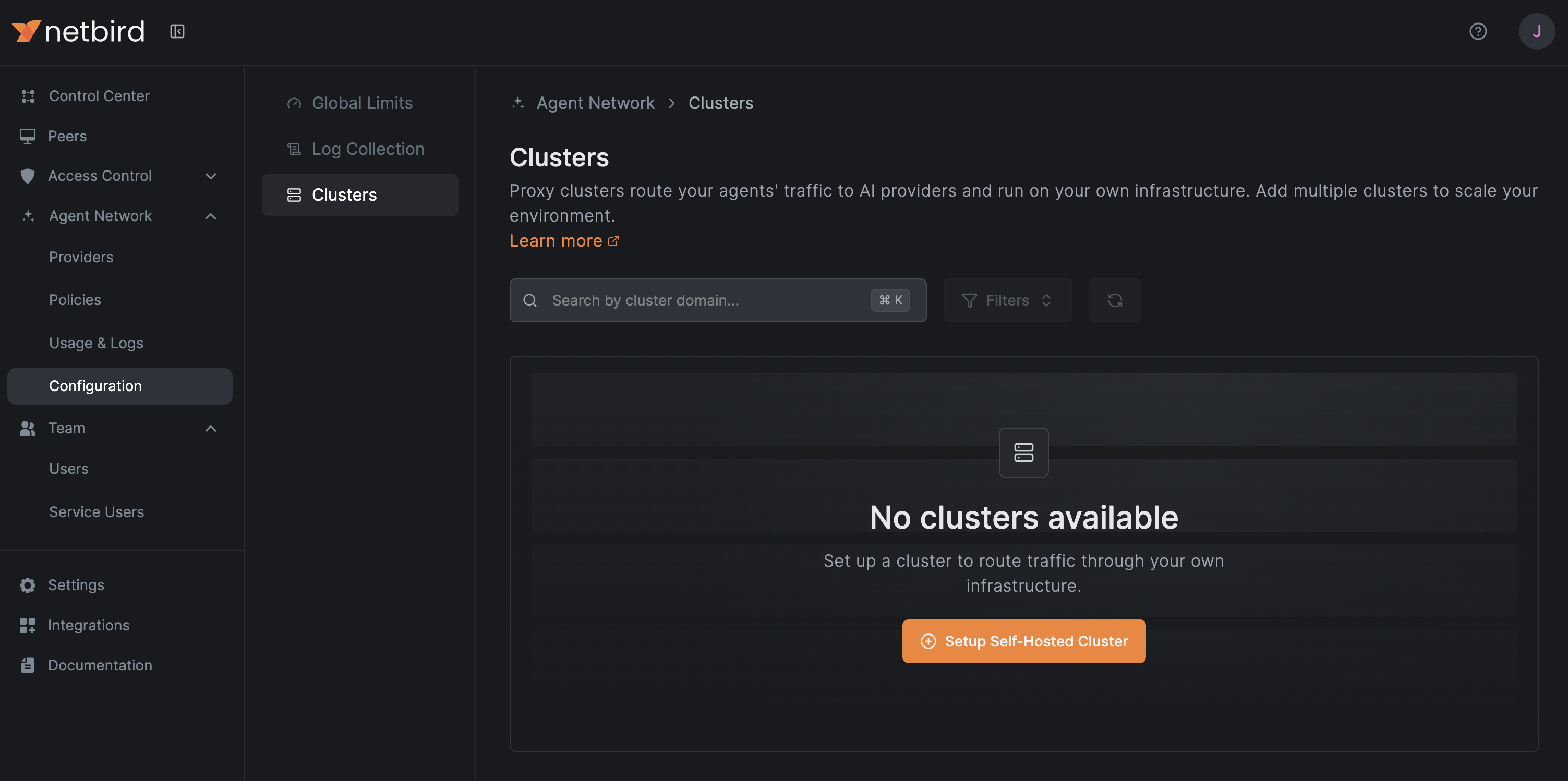
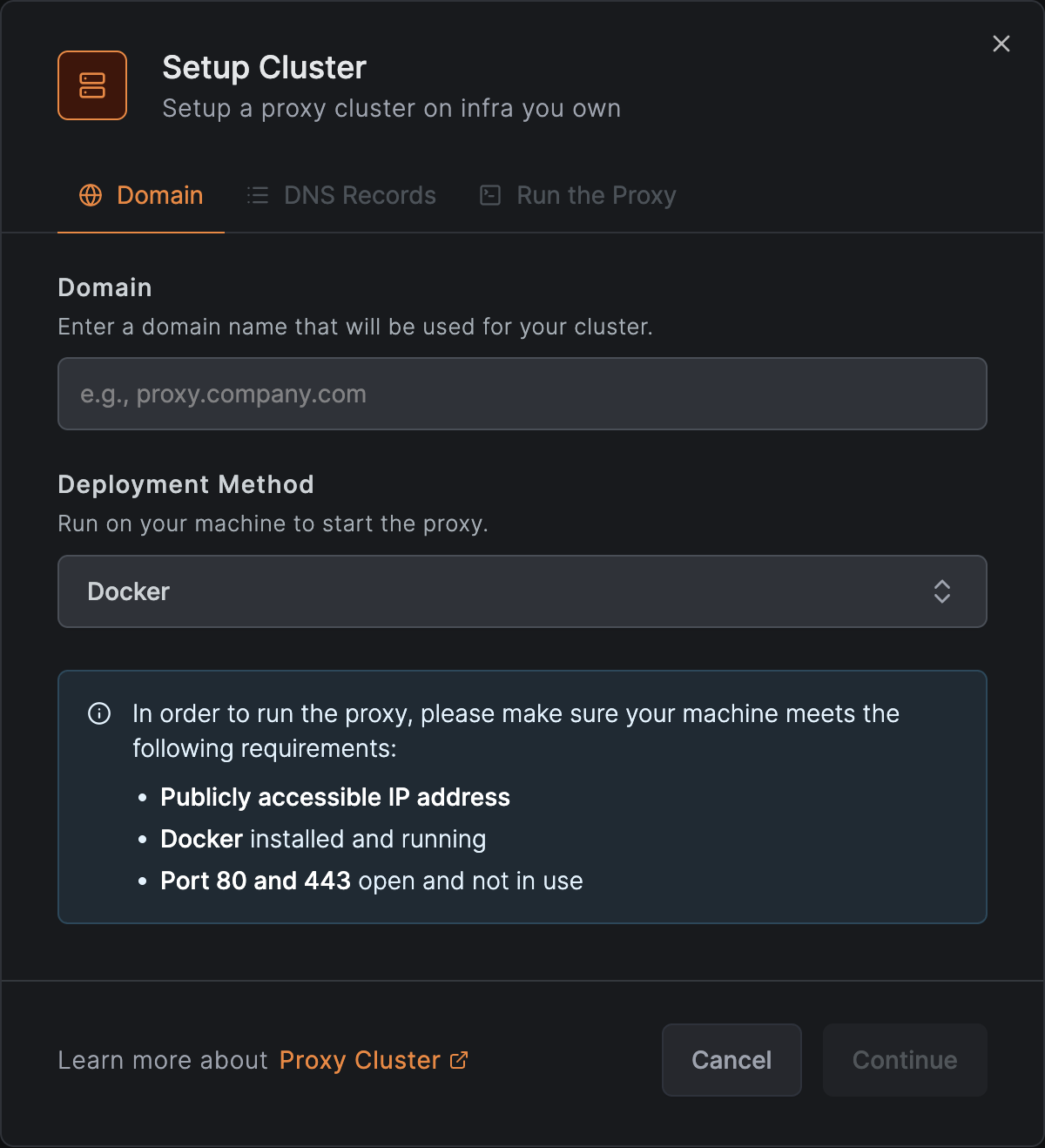
Use Setup Self-Hosted Cluster to register a new one. Enter a domain for the cluster and pick a Deployment Method: run it yourself with Docker, or use one of the 1-click deployments for popular cloud providers to stand up a proxy in a few clicks. The wizard then walks you through the DNS records to add and starting the proxy.