Global Limits
Updated
Global limits are account-wide caps on token usage and spend that apply across every policy and every provider, a backstop independent of any single policy's limits. They are limit-only rules: unlike a policy, a global limit never selects a provider or authorizes traffic, and it isn't tied to one. It caps a caller's total consumption no matter which provider or gateway the request is routed to.
A global limit acts as an always-on ceiling. It is evaluated before any policy, on every request, and every applicable rule must pass. Because rules can only tighten a caller's effective limit and never loosen it, adding one is always safe.
Scope
Each rule targets who it applies to:
- Target groups: the rule binds when the caller's groups intersect the rule's groups.
- Target users: the rule binds a specific user directly.
- Untargeted: a rule with no target groups or users applies to every caller (the account-wide default).
A request can be bound by several rules at once (for example an account-wide rule plus a group-specific one); all of them are enforced.
Caps and Windows
A global limit carries the same cap shape as a policy limit:
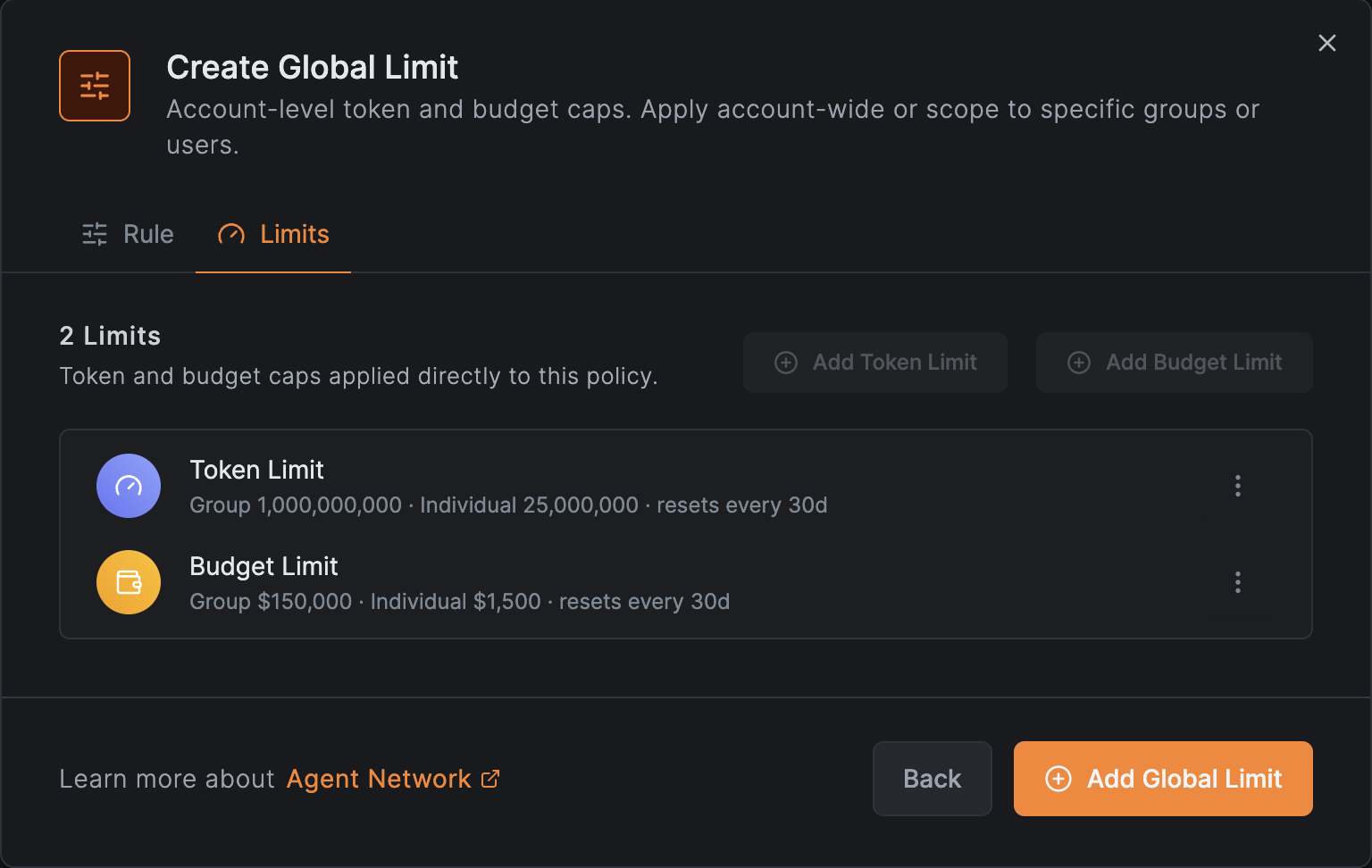
- A token cap and/or a budget (USD) cap.
- Each cap can be set per user and/or per group, over a fixed window.
Windows and counting work exactly as described in Token & Budget Limits: caps apply to a fixed, epoch-aligned window, and the check is run before the request against usage already accumulated, so a request that starts under the cap is allowed even if it crosses it, and the next one is blocked.
How Enforcement Works
On every request, NetBird first evaluates all global limits that bind the caller. Each applicable rule must pass; the first rule whose token or budget cap is exhausted denies the request, before any policy is considered. The denial surfaces in the access logs as a Token limit exceeded or Budget limit exceeded reason. For per-group caps, usage is attributed to the lowest matching target group.
How It Combines with Policy Limits
Global limits and policy limits are enforced together: a request must pass both the global ceiling and the selected policy's own limits. Because every applicable cap binds and the most restrictive one wins, a global limit can only tighten what a policy allows, never widen it. Use global limits to set an overall account ceiling, and policy limits for finer-grained, per-policy control.
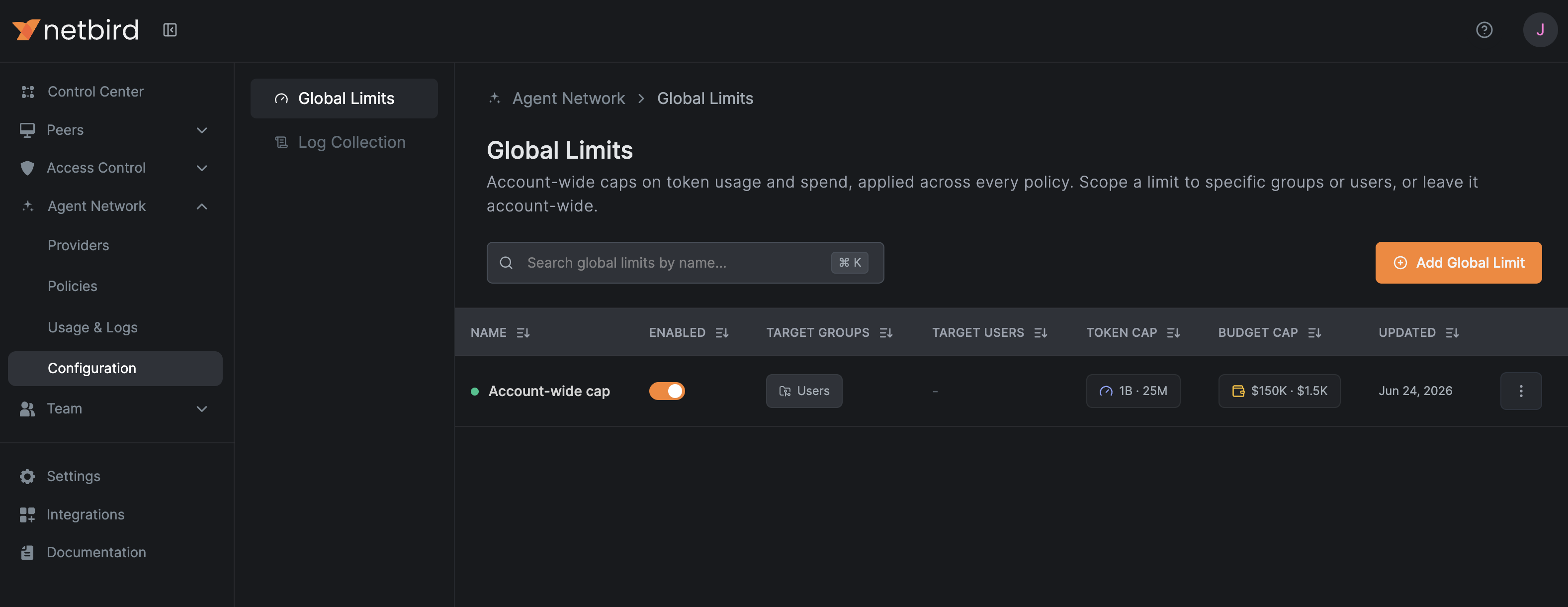
Create a Global Limit
Go to Agent Network → Configuration → Global Limits and add a rule with the token and/or budget caps and an optional target. Leave the target empty to apply it account-wide, or pick groups or users to scope it.